
Last Updated: November 10, 2026
Quick Summary
A strong hivelocity alternative for AI model training is a provider that offers dedicated GPU servers with full root access and flexible billing, so teams can control their environment and scale capacity. Compare options by GPU availability, storage throughput, control of the software stack, and predictable total cost for your expected run length.
- Bare metal gives a training job exclusive hardware, which reduces run-to-run variance compared with shared cloud instances.
- Full root access lets teams install custom CUDA versions, frameworks, and drivers their pipeline requires.
- Compare providers on total cost for your expected run length, including data egress, storage, and interruptions.
- Hybrid setups work best when the training pipeline is containerized and checkpoints live in shared object storage.
- Test each shortlisted provider with a short real training job, measuring throughput, provisioning time, and support response.
Table of Contents
- Why Teams Look for a Hivelocity Alternative for AI Training
- What AI Model Training Needs From Infrastructure
- Bare Metal vs. Cloud GPU Instances for Deep Learning
- Comparing Hivelocity Alternatives Side by Side
- Understanding AI Model Training Infrastructure Costs
- Hybrid and On-Premises Options for Sensitive Training Data
- Booking a Dedicated GPU Server for Your Next Training Run
- Frequently Asked Questions
Why Teams Look for a Hivelocity Alternative for AI Training
Teams that run AI training jobs often start with a bare-metal provider because dedicated hardware avoids the noisy-neighbor problems of shared cloud instances. As training workloads grow, though, the question shifts from “Can this server run my job?” to “Is this the right platform for how we train models?” That is where a search for a Hivelocity alternative begins.
Most of the pressure comes from three places: scaling, cost predictability, and the operational work of managing hardware. A team that needs to add GPUs for a single training run may find that a provider built around fixed dedicated servers takes longer to respond than a cloud platform. Others want the opposite, dedicated hardware they control, and they are comparing providers on uptime, support, and root access rather than raw speed.
ServerPronto is one of the options teams evaluate here. We provide dedicated GPU servers, bare metal, and private cloud, with full root access and month-to-month billing with no contracts. The rest of this guide explains what AI training needs from infrastructure, how the main approaches compare, and what to check before you move.
What AI Model Training Needs From Infrastructure
Model training is compute-heavy, memory-heavy, and sensitive to how data moves between storage and GPUs. A training job that stalls on slow disk reads wastes expensive GPU hours, so the hardware and network layout matter as much as the GPU model.
Four requirements matter most:
- GPU capacity and type. The GPU model sets the memory ceiling and throughput. Confirm which GPUs are available and whether you can add more without a long lead time.
- Storage throughput. Large datasets need fast local storage or a high-speed connection to shared storage.
- Control of the environment. Custom CUDA versions, frameworks, and drivers require root access and the freedom to install what your pipeline needs.
- Predictable cost. Training runs can last days or weeks, so hourly billing spikes can be hard to forecast.
Bare Metal vs. Cloud GPU Instances for Deep Learning
Bare metal gives your training job an entire physical server, so the hardware is dedicated to your workload. Cloud GPU instances are virtualized slices of shared hosts. They start faster and scale more easily, but the hypervisor layer, host placement, and neighboring tenants can all affect throughput from one run to the next.
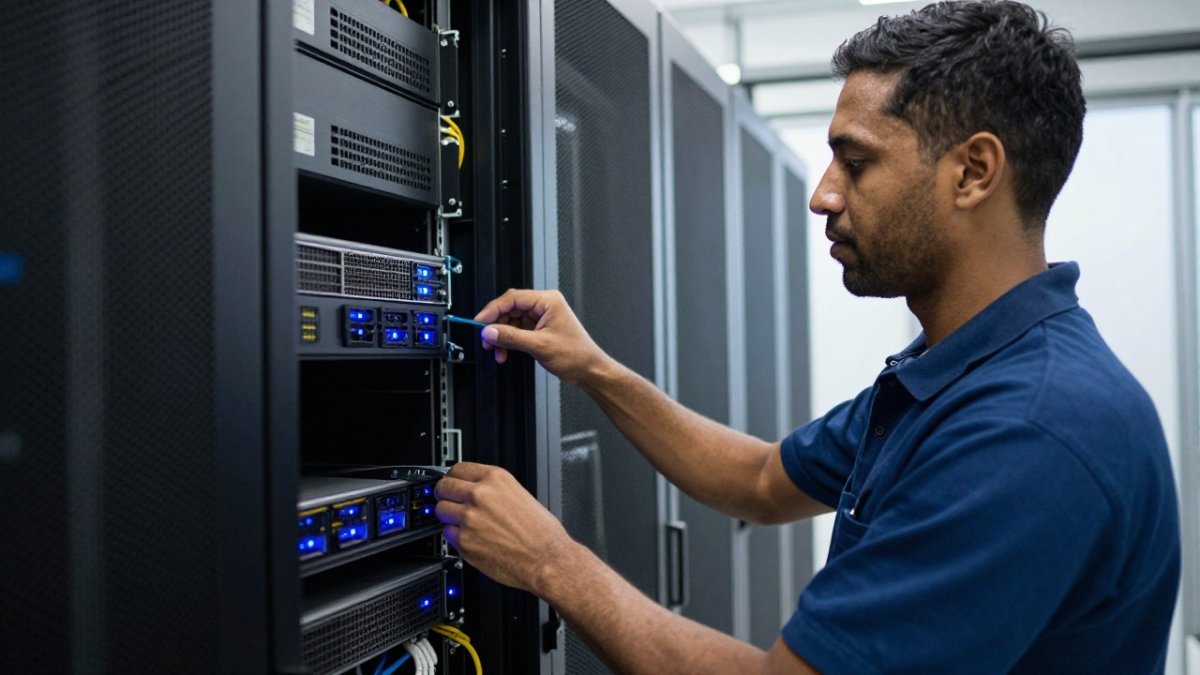
The practical difference shows up in three places: run-to-run variance, data path performance, and how much control you get over the stack. On a virtualized instance, many of those knobs are either unavailable or controlled by the provider.
A Decision Framework by Training Pattern
Choose based on how your workload behaves over time, not on the headline hourly rate:
- Long, steady pretraining or full fine-tuning runs (days to weeks). Bare metal usually wins. Throughput is predictable, you can plan checkpoint intervals around a fixed cost, and you avoid the restarts that come from spot reclamation.
- Hyperparameter sweeps and many short experiments. Cloud instances or marketplace GPUs are often more practical, because you can launch many jobs in parallel and tear them down immediately.
- Bursty demand around a deadline. Keep a base of dedicated servers for the core pipeline and burst to cloud capacity for overflow. Make sure the job scheduler can run the same container image on both targets.
- Data-sensitive training. Dedicated hardware or colocation keeps raw data inside a controlled environment, and you can send only anonymized or synthetic samples to external capacity.
Designing a Hybrid Split
A hybrid setup works best when the training pipeline is portable. Keep the environment in containers, pin framework versions, and store checkpoints in object storage that both sides can reach. Put the data-heavy preprocessing and the main multi-GPU training on bare metal, where local NVMe throughput and interconnect bandwidth are highest. Use cloud GPUs for evaluation sweeps or for inference-adjacent batch jobs that do not need the same storage layout.
Watch out: a hybrid split that moves full datasets across the boundary every run will erase whatever you saved on compute, so sync data once and version it rather than re-transferring it per job.
Recognizing When Each Option Fails
Bare metal fails in a different way than cloud. Hardware failures on a dedicated server are handled through support, so confirm the provider’s hardware replacement process before a long run. Cloud instances fail through preemption and host maintenance, so your code must resume from the last checkpoint regardless of which side you choose.
Comparing Hivelocity Alternatives Side by Side
The table below summarizes how the main options differ for AI training. Starting prices are the figures in our research data; treat them as reference points and confirm current rates with each provider.
| Provider | Model | Starting Price | Best For | Main Drawback |
|---|---|---|---|---|
| ServerPronto | Dedicated GPU, bare metal, private cloud | Quote-based; visit our site | Teams wanting full root access and no contracts | Pricing depends on configuration and term |
| RunPod | On-demand and spot GPU cloud | $0.20/hour | Flexible GPU access for deep learning | Spot instances can be interrupted |
| Vast.ai | Peer-to-peer GPU marketplace | $0.05/hour | Budget projects needing many GPUs | Variable hardware reliability |
| DigitalOcean | Cloud GPU Droplets | $10/month | Stable, easy-to-manage cloud environments | Fewer AI-specific features |
| TensorDock | Dedicated and virtualized GPU | $0.15/hour | Reliable GPU compute with simple pricing | Smaller AI tool ecosystem |
ServerPronto fits teams that want dedicated hardware with full control. Our servers include full root access and bill month-to-month. Every server has exclusive resources, so you are not sharing hardware with other customers.
Understanding AI Model Training Infrastructure Costs
Training cost is driven by GPU hours, storage, data transfer, and the time your team spends operating the environment. Hourly rates alone do not show the full picture. A cheaper per-hour GPU can cost more overall if it interrupts jobs, requires more engineering time, or forces you to rebuild checkpoints.
Compare providers on total cost for your expected run length, not just the headline rate. For a closer look at the alternatives to cloud GPU for AI training, review how each option handles sustained workloads. Factor in data egress fees, storage charges, and the cost of any interruptions. Dedicated servers with monthly billing make costs easier to forecast for long projects, while spot and marketplace options can reduce spend for work that tolerates interruption.
Pricing for ServerPronto depends on configuration, quantity, and term, so contact us for a quote once you know your requirements.
Hybrid and On-Premises Options for Sensitive Training Data
Some teams cannot send training data to a shared cloud. Regulated industries, proprietary datasets, and strict internal policies can all push the decision toward dedicated hardware or colocation. In these cases, you may want the servers in a facility you can access, or on a dedicated platform where only your organization has access.
A hybrid approach keeps sensitive data on dedicated infrastructure while using cloud capacity for less sensitive or burst workloads. This works well when the training pipeline is designed to move only anonymized or synthetic data to external environments. Confirm your compliance requirements with legal or security staff before choosing a setup.
If you need dedicated hardware or colocation for fine-tuning, see our Infrastructure for LLM fine-tuning overview, which covers control over datasets, software, storage, and physical deployment.
Booking a Dedicated GPU Server for Your Next Training Run
Start by writing down your requirements: GPU model and count, storage capacity, expected run length, and any compliance needs. Then shortlist two or three providers and run a short test job on each. Measure throughput, time to provision, and how quickly support responds to a real question.
For a step-by-step comparison of configurations, read our GPU Dedicated Server for Deep Learning: 2026 Guide. When you are ready, ServerPronto offers 2-hour provisioning, 24/7 on-site technicians, and a 7-day money-back guarantee. You can also review dedicated server vs cloud options for AI workloads before you decide.
Pick the setup that matches your training pattern, test it under real load, and move your full workload only after the results hold. Teams that do this avoid most of the surprises that send them searching for a Hivelocity alternative in the first place.
Frequently Asked Questions
What are the key hardware requirements for training large AI models?
Large model training depends most on GPU memory, interconnect speed between GPUs, and fast local storage for datasets and checkpoints. Teams should size GPU memory to the model and batch size, confirm the server supports high-speed links between cards, and plan storage for large checkpoint writes. Adequate system RAM and a reliable network matter too, since slow data loading leaves expensive GPUs idle. Ask any provider for exact GPU models, memory per card, and storage specifications before committing to a plan.
How do bare metal servers compare to cloud instances for AI training?
Bare metal gives you an entire physical server with no virtualization overhead and no neighbors sharing the hardware, which helps with consistent throughput on long training runs. Cloud GPU instances are faster to start and easier to scale up or down for short experiments. Many teams use bare metal for steady, long-running training and cloud for bursts. The right choice depends on how predictable your workload is and how often you need to change capacity.
What features should I look for in an AI model training hosting provider?
Look for full root access so you can install your own drivers and frameworks, clear GPU specifications, and a documented provisioning timeline. Month-to-month billing without long contracts lets you adjust as projects change. Responsive support staff matter when a node fails mid-run. Ask how the provider handles hardware replacement and what uptime commitment is written into the agreement, not just advertised.
Is colocation a viable alternative to dedicated server hosting for AI?
Colocation can work well if you already own GPU hardware and need power, cooling, and network connectivity in a professional facility. You take on the hardware purchase, maintenance, and upgrade cycle yourself. For teams that do not own hardware, a leased dedicated GPU server is usually simpler to start with. Colocation makes more sense once your training demand is steady enough to justify buying equipment outright.




Comments are closed.