
Table of Contents
- Is Colocation Worth It for Small Business? The Short Answer
- What Colocation Is and How It Works
- Small Business Colocation Costs: What You Actually Pay For
- Colocation vs Cloud for Small Business
- Colocation vs Dedicated Server for Small Business
- Uptime, Power, Cooling, and the Support You Get
- Colocation Provider Checklist for Small Businesses
- Frequently Asked Questions
Last Updated: October 20, 2026
Is Colocation Worth It for Small Business? The Short Answer
Colocation is worth it for a small business when the cost of power, cooling, bandwidth, and staff time to run servers in-house exceeds the monthly rack fee, and when downtime directly costs revenue.
The honest answer most providers skip: colocation rarely wins on sticker price alone.
Below, we’ll show you how to run that comparison, including a total cost of ownership worksheet and a provider checklist for sales calls.
What Colocation Is and How It Works
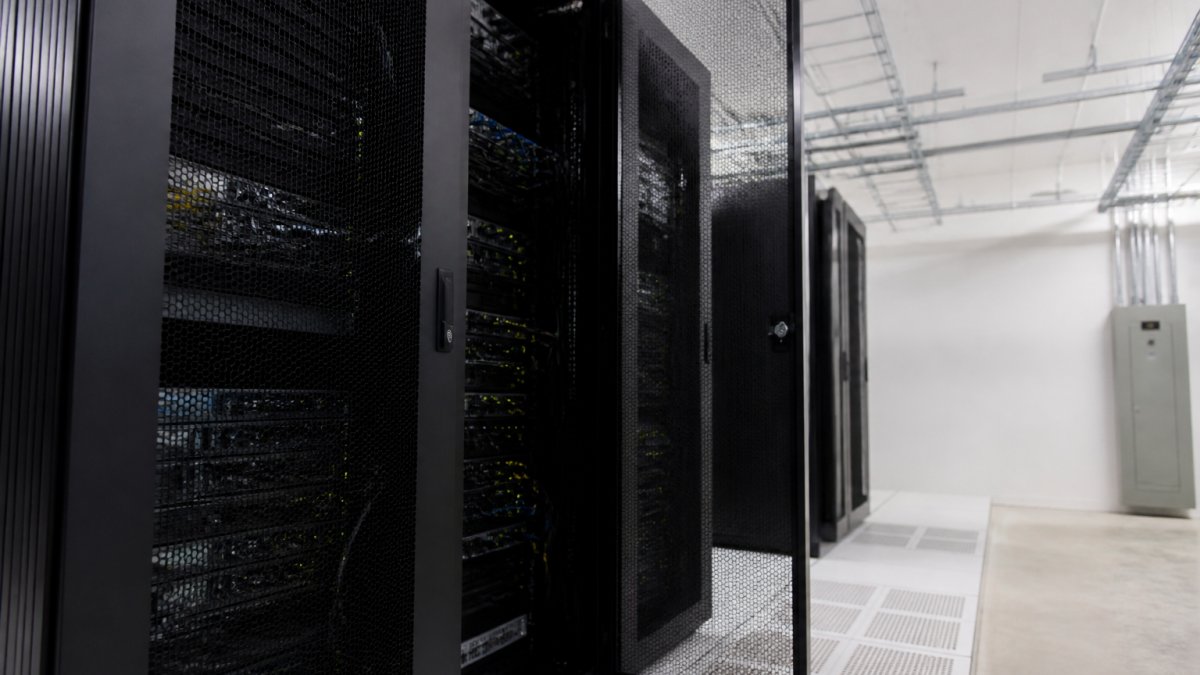
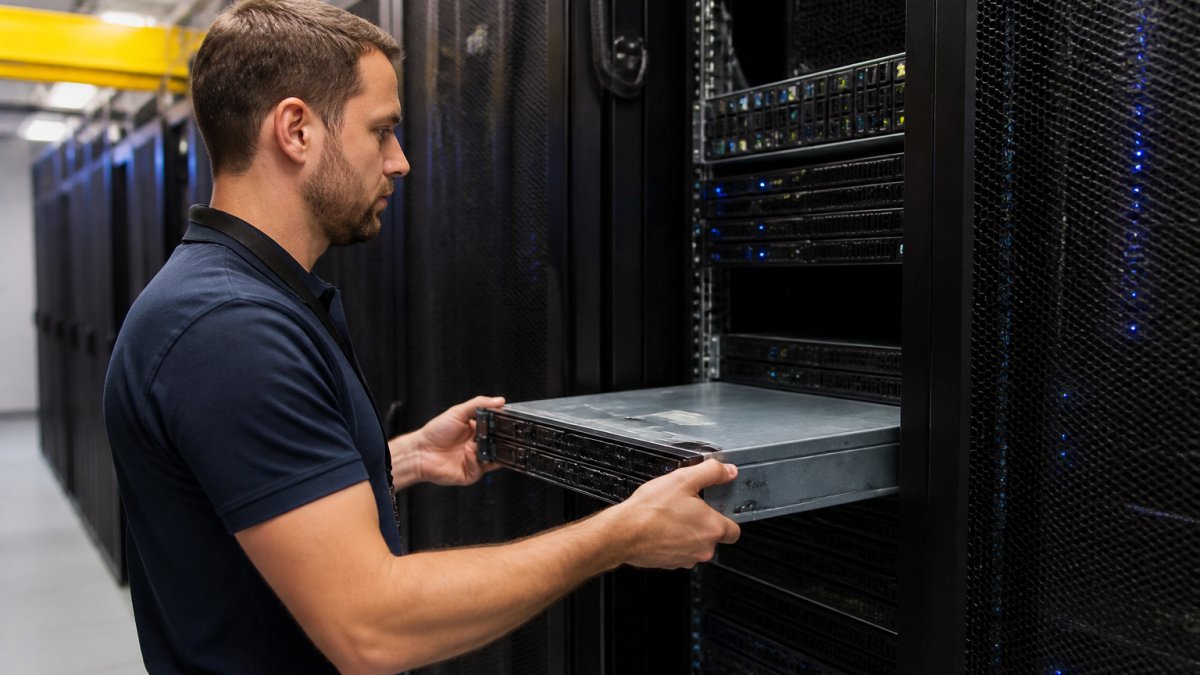
Colocation is a hosting arrangement where you own your servers and rent space for them in a third-party data center that supplies power, cooling, bandwidth, physical security, and connectivity.
What You Bring and What the Facility Provides
The division of labor is usually clean, and it’s the first thing to confirm in writing:
- You provide: the server hardware, the operating system, your applications, your data, and your configuration decisions.
- The facility provides: rack space, power circuits, cooling, physical access control, network uplinks, and remote hands for physical tasks.
- The gray zone: hardware maintenance, spare parts, and who pays for a failed drive. Get this in the contract before you sign.
Ask specifically whether remote hands are billed hourly or included in the monthly fee, and what the response window is. A facility that includes two hours of remote hands monthly can save you a flight or a four-hour drive when a drive fails.
Small Business Colocation Costs: What You Actually Pay For
Small business colocation costs break into five recurring line items: rack space (often billed per unit or per partial rack), power (billed by amperage or kilowatt-hour), bandwidth (by commit and burst), cross-connects, and support hours. Pricing depends on your power density, location, and contract length, so ask each provider for a quote against your actual server list.
The line items that matter most:
| Cost Line | What Drives It | What to Ask |
|---|---|---|
| Rack space | Units or partial/full rack | Is partial rack available? |
| Power | Amps or kWh, plus redundancy tier | Is A+B power included? |
| Bandwidth | Committed rate and burst | What’s the overage rate? |
| Cross-connects | Per connection, per carrier | Is the first one free? |
| Remote hands | Hourly or included hours | What’s the response window? |
Build a Total Cost of Ownership Model, Not a Sticker Comparison
Most small businesses compare the colocation rack fee to a cloud invoice and stop there, ignoring everything they already pay to run servers in-house. A useful TCO model puts four options side by side over a three-year horizon: on-premises, colocation, cloud, and a dedicated server.
For each option, capture these cost buckets:
- Space and environment: rent or opportunity cost of the server room, dedicated cooling (a small closet can add meaningful load to office HVAC), and any electrical work.
- Power: the incremental electricity for servers plus cooling, measured at your utility’s commercial rate.
- Bandwidth and connectivity: business internet, redundant circuits if you have them, and static IPs.
Build the model in a spreadsheet with one column per option and one row per cost bucket, using your actual server count and power draw. Once you add labor and cooling to the on-premises column, the comparison usually changes.
Where the Break-Even Usually Lands
There is no universal break-even point, but a few patterns hold:
- Very small footprints (one or two low-power servers): on-premises or a dedicated server is often cheaper, because colocation’s fixed costs, cross-connects, minimum commitments, remote hands retainers, don’t shrink below a floor.
- Mid-size footprints (a partial rack or more, steady load): colocation starts to win once your in-house labor and cooling costs are real and recurring, and once downtime has a measurable revenue cost.
- Growth trajectories: if you expect to add servers steadily, colocation’s incremental cost per added server is usually lower than standing up more capacity in an office.
Break-even is less about server count and more about three variables: skilled IT time burned on facilities work, actual power and cooling costs, and the cost of an hour of downtime.
The Downtime Math Nobody Puts in the Proposal
Colocation’s case often rests on avoided downtime, so quantify it: estimate revenue lost per hour of outage, add recovery labor, and multiply by your historical outage frequency. If one failed power supply or summer cooling failure would cost more than a year of rack fees, redundancy pays for itself. If your workload tolerates hours of downtime, that argument weakens and price should drive the decision.
The most common surprise is power overage. A quote built around a low amperage allowance looks cheap until you add a second server and trip into a higher billing tier. Ask for the per-amp overage rate in writing before you sign, and model your power draw at full planned capacity, not today’s load.
::: Accurate forecasting of these recurring costs remains essential when evaluating various IT infrastructure options to ensure your long-term operational budget stays predictable.
Hidden Costs Most Quotes Leave Out
The number on the proposal is rarely the number on the invoice. Watch for setup fees, power overage charges when you add a server, per-carrier cross-connect fees, and after-hours escorted access charges. Hardware shipping and racking labor can land as one-time costs. Budget too for the time your team still spends on hardware lifecycle, patching, and monitoring, colocation removes the building, not the server administration.
Colocation vs Cloud for Small Business
Cloud wins on speed to deploy and elastic scale; colocation wins on predictable monthly cost and full hardware control. For a small business with steady, known workloads, colocation typically produces a flatter bill. For spiky or experimental workloads, cloud’s flexibility usually justifies the premium.
The trade-off in practice:
- Choose cloud when your demand swings wildly, you need global regions on day one, or you have no appetite for hardware lifecycle management.
- Choose colocation when your workload is steady, your hardware is already paid for or leased, and you want a fixed monthly number your finance team can forecast.
- Choose hybrid when you want the steady-state database on your own hardware and burst capacity in the cloud.
Colocation vs Dedicated Server for Small Business
A dedicated server is rented hardware in a provider’s facility; colocation is your hardware in a provider’s facility. Dedicated server hosting removes capital expenditure and hardware maintenance entirely. Colocation keeps full control and can lower long-run costs if you already own the equipment.
| Factor | Colocation | Dedicated Server |
|---|---|---|
| Hardware ownership | You | Provider |
| Upfront cost | Higher (capital) | Lower (monthly) |
| Control | Full, including root and firmware | Full root, provider-owned chassis |
| Maintenance | Yours or billed remote hands | Provider’s responsibility |
| Best for | Owned hardware, steady workloads | Teams avoiding capital spend |
If your servers are aging and you’d rather not carry the refresh risk, a dedicated server is the cleaner path.
Uptime, Power, Cooling, and the Support You Get
Uptime is where colocation earns its fee. Redundant power, redundant cooling, and multiple carrier paths deliver availability a small business cannot practically replicate in an office closet, and the service-level agreement makes those promises enforceable.
What to verify:
- Power: uninterruptible power supply coverage plus generator backup, tested on a published schedule.
- Cooling: redundant cooling units and monitored temperature and humidity.
- Network: multiple carrier options and diverse fiber paths so one cut doesn’t take you offline.
Redundancy and Disaster Recovery
Redundancy protects uptime; disaster recovery protects data. Colocation facilities typically offer geographic separation from your office, so a flood or fire at your building doesn’t touch your servers. Pair that with an offsite backup target and a documented recovery plan.
Colocation solves the facility problem, not the backup problem. Redundant power keeps your server running; it does nothing for a deleted database. Budget for both.
Colocation Provider Checklist for Small Businesses
Use this checklist in every provider conversation. Score each item and walk away from any provider that won’t answer in writing.
- Uptime guarantee stated in the SLA, with remedies if it’s missed
- Power redundancy tier and generator test schedule
- Bandwidth commit, burst allowance, and overage rate
What You Still Manage After You Move In
Colocation removes the building, not the job. Before you sign, write down who does each of these, because the answer determines your real operating cost:
- Hardware lifecycle: purchasing, warranty tracking, and refresh planning stay with you; the facility won’t replace a failed server.
- Patching and configuration: operating system, firmware, and application updates are yours unless you buy a managed service.
- Monitoring and alerting: you need your own monitoring to know a server is down; the facility monitors the environment, not your applications.
Ask for a sample invoice, not just a quote. A sample invoice shows how power overages, cross-connects, and remote hands actually appear once you’re a customer.
Contract Terms, Exit Costs, and Due Diligence
The contract is where small businesses lose money. Read these clauses before the entry terms:
- Minimum commitment and renewal: how long is the initial term, and does it auto-renew? What’s the notice window to avoid renewal?
- Early termination: what does it cost to leave, and does it include remaining rack fees or a flat fee?
- Bandwidth overages: the per-unit rate and whether burst is billed.
Ask for current certification documentation and audit evidence rather than a logo on a slide, and ask how the facility handles a compliance request from your customers. Colocation alone doesn’t make you compliant; it gives you facility controls you still have to document.
A Practical Migration Plan
Moving servers is the riskiest part of the project. A workable sequence:
- Inventory: list every server, its power draw, network ports, and dependencies.
- Connectivity test: confirm the facility’s carriers and cross-connects before cutover, and test latency to your users.
- Migration window: schedule during low-traffic hours and stage hardware ahead of the cutover.
- Rollback plan: keep the old environment running until the new one is verified.
- Post-move verification: confirm monitoring, backups, and access before decommissioning anything.
Ask for the exit clause before the entry clause. Moving out of a facility is where small businesses get stuck: early termination fees, cross-connect removal charges, and hardware retrieval scheduling can all cost real money.
Frequently Asked Questions
Is colocation good or bad for a small business?
It depends on what you already own. If you have servers and the IT staff to run them, colocation usually beats a server closet on power reliability, cooling, and bandwidth. If you have neither hardware nor in-house expertise, the added responsibility can outweigh the savings. Small businesses with steady, predictable workloads and a few racks of equipment tend to gain the most, while teams with no physical infrastructure are often better served by cloud or dedicated hosting until their needs justify the move.
Is colocation cheaper than cloud?
It can be, but not automatically. Cloud hosting turns infrastructure into operating expenditure that scales with usage, which is convenient but can climb as workloads grow. Colocation is a fixed monthly cost for rack space, power, and bandwidth on hardware you own. The break-even point depends on how much capacity you actually use. Small business colocation costs tend to win when utilization stays high and steady; cloud tends to win when demand is spiky or you need to avoid capital expenditure up front.
How does colocation compare with dedicated servers?
With colocation, you own the server and pay the facility to house it. With a dedicated server, the provider owns the hardware and rents it to you, usually with support and replacement included. For small businesses, dedicated servers remove hardware maintenance and capital costs, while colocation gives more control and can cost less over several years if you keep equipment long enough. The right choice depends on whether you want to manage hardware or hand that job to a provider.
What should be on a colocation provider checklist?
Start with power and cooling: ask about redundancy, backup power, and how power density is billed. Then check network connectivity and carrier options, physical security and access control, and the exact service-level agreement terms, including credits and exclusions. Confirm what remote hands and technical support cover and at what cost, review contract length and exit fees, and ask for references from small business customers. A provider that answers these clearly before you sign is usually the safer bet.
The real question isn’t whether colocation is cheaper on paper. It’s whether your team can afford another night of firefighting a failed UPS in a closet. If the answer is no, it’s time to look at a rack. ServerPronto offers colocation space, dedicated servers with full root access, 2-hour provisioning, and month-to-month billing with no contracts, so you can test the model before committing. Build & Price your configuration and see the monthly number before you decide.






Comments are closed.