Dedicated servers have become more popular than ever. Part of this is because you have more companies that need these services. Part of this, though, is because they have become so much more accessible. Today, there are all kinds of dedicated servers, making them an ideal option for more and more companies. But the cloud is also available and can be used instead of a server.
If you’re in the market for a server, by now, you’ve probably heard all the options. One of the most popular types is a dedicated server. However, it doesn’t make sense for everyone, so be sure you understand what it brings to the table before spending any money.
Shopping for a dedicated server may put you in contact with a lot of new terminologies. While there are a number of terms it’s important for you to understand, “uptime†is amongst the most important. The one you receive from your dedicated server will constitute the difference between a successful investment and one that could actually hurt you.
Most people know that our base dedicated server pricing is a great deal, but if you factor in competitor special offers and pre-pay discounts, are we still the best deal? Let’s compare…
Your company has finally gotten to the point where a typical server just doesn’t cut it anymore. Ideally, you’ve yet to run into any problems, but you know they’re going to happen sooner rather than later if you don’t move quickly. Although most companies would immediately go with a dedicated server, perhaps you’re thinking about going with the cloud instead. In recent years, the cloud has been added to just about every digital service out there. While it certainly carries a number of benefits with it, when it comes to servers, there are still plenty of reasons to opt for the traditional dedicated type.
Everyone knows dedicated servers are the best option for those who want to get the most from their hosting services, but few people know this number of insider secrets on how to save money on a dedicated server.
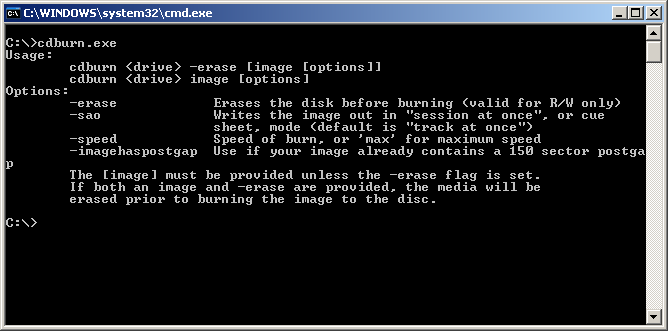
To most people, command line functions are completely alien. They even look quite rudimentary. In contrast, the command line function screen is black, with a cursor and a text prompt. It doesn’t get any more old-fashioned or intimidating, for many people.
Has your company outgrown its one-size-fits-all server setup? If you’re lucky, you haven’t hit any problems with loads and/or uptime yet but know it’s on the horizon. In either case, the last thing you want to do is simply pay for more server space you have to share with others. Instead, you want your own setup. There are a number of ways to do that these days, but the main ones are either through colocation or a dedicated server.
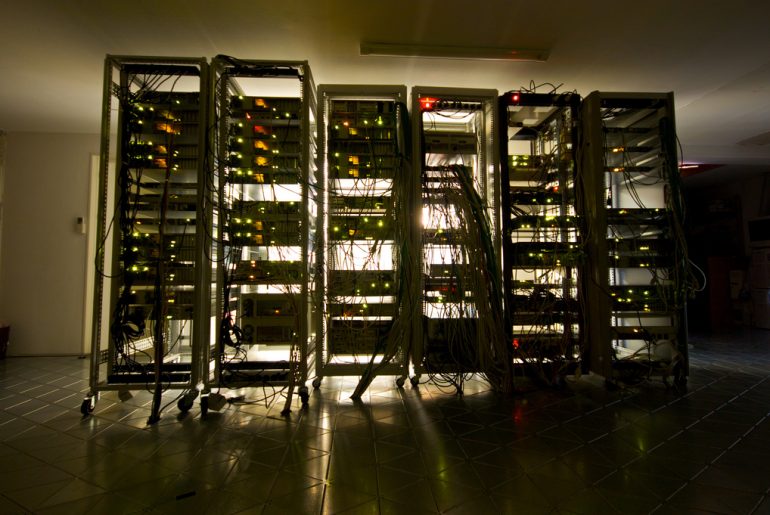
Like most people, you’re probably at least somewhat familiar with what a server is. To put it in simplest terms, it’s a computer that stores information other devices can then access. It’s the physical technology we need to for the World Wide Web and other essential digital landscapes we all take for granted these days.
However, there are countless different types of servers out there and it’s most likely worth your time to have a general understanding of some of them. One such example would be a VPS.
More than likely, you’ve heard the word “server†before. In the digital age, there are more terms to keep track of than ever before. Nonetheless, servers play such a central role in everything we do online, that it could prove very helpful for you to appreciate what a server is and how it operates.