
Quick Summary
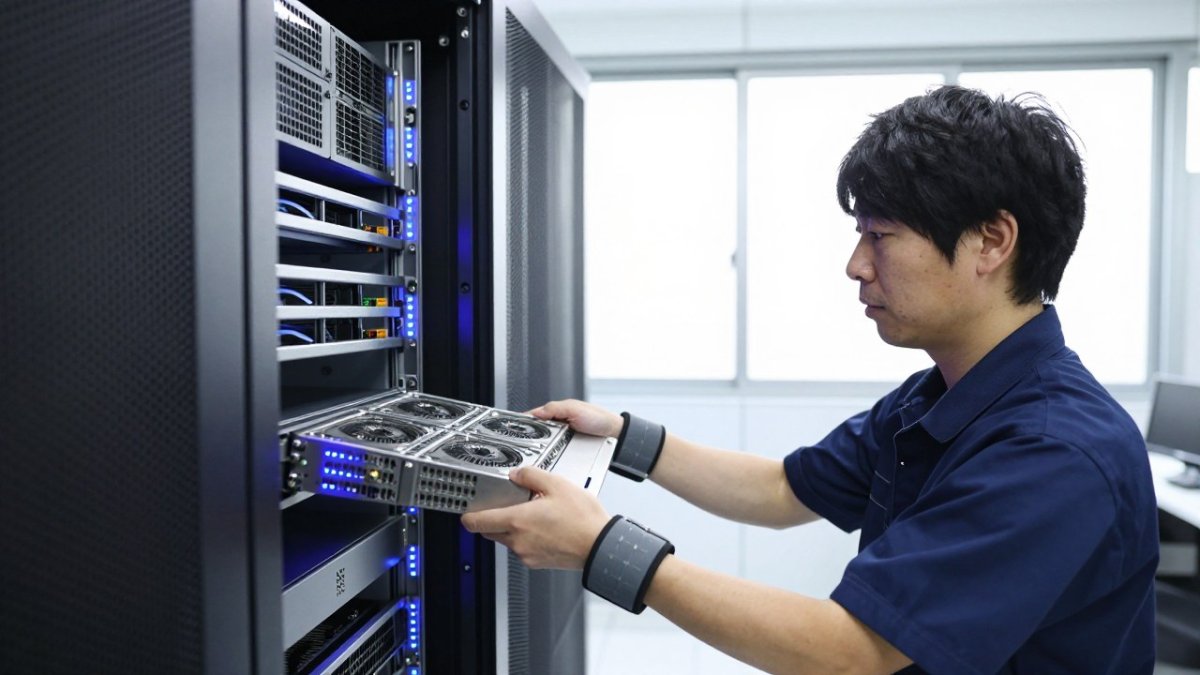
The five strongest tools for gpu infrastructure automation are CAST AI for Kubernetes GPU cost control, NVIDIA Run:ai for sharing GPU pools across teams, Terraform for repeatable provisioning, Ansible for configuring GPU servers, and Prometheus with Grafana for usage monitoring. Most teams combine several of these into one stack.
- 42% of NVIDIA State of AI respondents named optimizing AI workflows as their top 2026 spending priority.
- CAST AI focuses on measuring and reducing idle GPU spend inside Kubernetes clusters.
- NVIDIA Run:ai supports training, fine-tuning and inference as an open-source orchestration platform.
- Terraform provisions infrastructure but is not a GPU scheduler, so it needs a runtime tool alongside it.
- Monitoring should feed automation policies, since dashboards alone do not allocate or reclaim GPU capacity.
Table of Contents
- What GPU Infrastructure Automation Covers
- How We Evaluated the Top 5 GPU Infrastructure Automation Tools
- Top 5 GPU Infrastructure Automation Tools Compared
- GPU Orchestration Platforms Compared by Workload Type
- GPU Monitoring Tools and Use Visibility
- Terraform GPU Infrastructure: Where IaC Stops
- GPU Infrastructure Management Best Practices
- Choosing Your GPU Automation Stack and Next Step with ServerPronto
- Frequently Asked Questions
What GPU Infrastructure Automation Covers
GPU infrastructure automation is the practice of provisioning, scheduling, monitoring and scaling GPU resources with minimal manual intervention. For teams running AI training and inference, the work spans cluster setup, workload placement, use tracking and cost control. The 2026 Global State of IT Automation report, which surveyed 402 IT professionals, describes hybrid IT and AI workflows as central trends in the field (Global State of IT Automation Report).
Spending priorities point the same way. In NVIDIA’s State of AI report, 42% of respondents named optimizing AI workflows and production cycles as their top spending priority in 2026 (NVIDIA State of AI report). That priority is why automation tooling has moved from a nice-to-have to a line item.
Teams running GPU-heavy workloads on dedicated hardware often face this same demand. The tools below cover different layers of the stack, so the right pick depends on which layer is causing the most friction.
How We Evaluated the Top 5 GPU Infrastructure Automation Tools
We assessed each tool on five criteria: whether it automates GPU-specific resource handling rather than general compute, how it fits Kubernetes and container workflows, how it handles provisioning and configuration, what visibility it gives into use, and how it fits a team’s existing operations.
We also weighted for governance and reliability, since many generic automation products lack GPU scheduling, runtime controls and quota enforcement. Infrastructure-as-code tools, for example, provide repeatable provisioning but may not cover those runtime controls on their own (Critical Capabilities for GPU Infrastructure Automation).
Pricing varies with usage, deployment model and contract terms, so we do not list figures here. Check each vendor’s site for current pricing.
Top 5 GPU Infrastructure Automation Tools Compared
1. CAST AI: GPU Optimization for Kubernetes
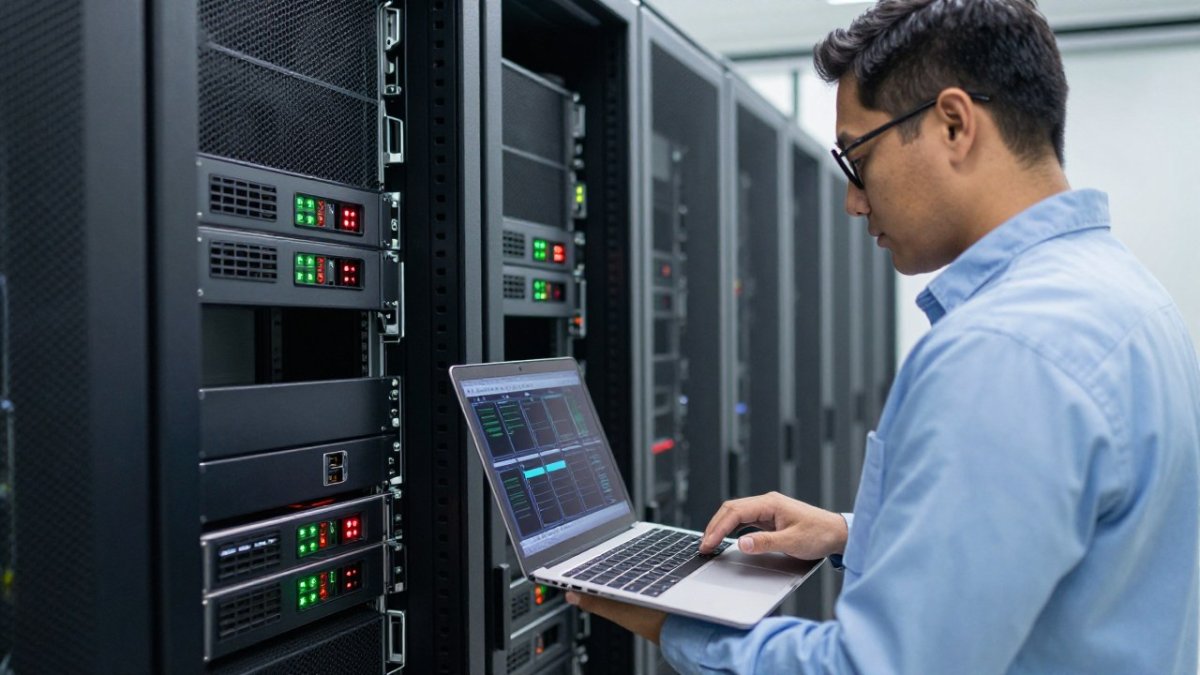
CAST AI positions its GPU tooling around Kubernetes resource measurement, allocation, sharing and automation. It suits teams whose main pain is GPU cost and use inside existing clusters, and it is a strong first step when you want visibility before changing infrastructure (Best GPU Optimization Tools for Kubernetes and AI Workloads).
Best for: Kubernetes teams focused on cutting idle GPU spend.
Skip if: Your workloads run outside Kubernetes.
2. NVIDIA Run:ai: GPU Orchestration for Kubernetes
NVIDIA describes Run:ai as an open-source AI workload and GPU orchestration platform for Kubernetes, supporting training, fine-tuning and inference (NVIDIA Run:ai documentation). Its strength is scheduling and sharing GPU capacity across teams, which matters once several groups compete for the same hardware.
Best for: Organizations sharing a GPU pool across multiple AI teams.
Skip if: You run a single workload on a single server.
3. Terraform: Repeatable GPU Infrastructure Provisioning
Terraform handles repeatable provisioning of the underlying infrastructure. It is not a GPU scheduler, but it gives you consistent, versioned cluster builds, which is the foundation the runtime tools depend on.
Best for: Teams that want infrastructure defined as code and reviewed like application code.
Skip if: You need runtime GPU scheduling on its own.
4. Ansible: Configuration Management for GPU Servers
Ansible manages configuration on GPU servers after they are provisioned, covering drivers, runtimes and system settings. It keeps a fleet of machines in a known state, which reduces the drift that causes hard-to-diagnose failures.
Best for: Teams with a fleet of bare-metal GPU servers to keep consistent.
Skip if: You run fully managed cloud GPUs with no servers to configure.
5. Prometheus and Grafana: GPU Monitoring Tools
Prometheus collects metrics and Grafana visualizes them, giving you use and health data across the cluster. Monitoring does not automate allocation by itself, but it tells you where automation is needed.
Best for: Any team that needs visibility into use and alerting.
Skip if: You want a turnkey optimization product without building dashboards.
Here is how the five tools compare on their main use and when to skip each one.
| Tool | Best for | Skip if |
|---|---|---|
| CAST AI | Kubernetes teams cutting idle GPU spend | Workloads run outside Kubernetes |
| NVIDIA Run:ai | Sharing a GPU pool across AI teams | One workload on one server |
| Terraform | Infrastructure defined as code | You need runtime GPU scheduling alone |
| Ansible | Keeping a fleet of bare-metal GPU servers consistent | Fully managed cloud GPUs with no servers to configure |
| Prometheus and Grafana | Visibility into use and alerting | You want a turnkey optimization product |
GPU Orchestration Platforms Compared by Workload Type
The right orchestration choice depends on the workload, and the differences show up in scheduling mechanics rather than marketing labels. Training jobs need gang scheduling so all workers in a distributed job start together, whole-GPU or multi-GPU allocation, and topology awareness so communication between GPUs stays fast. Inference workloads need fast scale-up and scale-down, sharing of smaller GPU slices, and queue behavior that keeps latency predictable under bursty traffic. Mixed clusters need both, plus a way to keep training from starving inference during peak hours.
Kubernetes-native platforms such as NVIDIA Run:ai and CAST AI fit container-first teams because they extend the Kubernetes scheduler with GPU-aware placement, quota enforcement, and sharing. Run:ai’s strength is pooling GPUs across teams and letting researchers request capacity without filing tickets, which matters once several groups compete for the same hardware. CAST AI’s strength is measuring actual GPU use inside existing clusters and reclaiming what is idle, which fits teams whose first problem is spend rather than scheduling policy. Teams running traditional schedulers such as Slurm may need a different approach, because Kubernetes-native GPU operators do not manage Slurm partitions or job steps.
Accelerator compatibility is a practical filter. Check which GPU generations a platform supports, whether it handles bare-metal nodes as well as cloud instances, and whether it can place workloads across mixed accelerator types. A platform that shares GPUs well for inference may not give training jobs the guaranteed whole-GPU capacity they need, and a platform tuned for one cloud’s GPU instances may not manage on-premises bare metal cleanly.
A common pattern is to match the platform to the dominant workload first, then to the team structure. To compare GPU server options before you choose, read a buyer’s guide to GPU servers for AI model training. If most of your GPU hours go to distributed training, prioritize gang scheduling and topology awareness. If most go to inference, prioritize slice sharing and fast autoscaling. If both matter, look for a platform that enforces quotas per team so one workload cannot starve the others.
Watch out: a platform that looks strong in a demo with a single job can behave very differently once ten teams share the same GPU pool, so test contention and quota enforcement before committing.
GPU Monitoring Tools and Use Visibility
Visibility comes before automation. Without accurate use data, scheduling decisions rest on guesses, and quota changes get made on peak estimates rather than real demand. Prometheus and Grafana provide the metrics pipeline most teams already run, and GPU-specific exporters add per-device detail that generic node metrics miss.
The metrics that matter are GPU utilization, memory used versus memory reserved, memory pressure and out-of-memory events, job queue time, and per-team or per-namespace consumption. Utilization alone is misleading: a GPU can show high utilization while a job waits on data loading, and a GPU can show low utilization while a reservation blocks other teams from using it. Track utilization, memory pressure, and queue time together. High utilization with long queues signals a capacity problem, while low utilization with idle reservations signals a scheduling problem. The two call for different fixes.
This is where most monitoring guides stop, and where a GPU-specific view adds value. Tie each metric back to an automation action: queue time above a threshold should trigger a scale-out policy, sustained low utilization on a reservation should trigger a reclaim or rightsizing review, and repeated out-of-memory events should trigger a review of slice sizes or batch settings. Monitoring that does not feed a policy is just a dashboard.
Watch out: per-device exporters can add meaningful overhead on large GPU fleets, so sample at a rate that keeps alerting useful without distorting the workload you are measuring.
Terraform GPU Infrastructure: Where IaC Stops
Infrastructure as code is excellent at building clusters the same way every time. It is weaker at the moment-to-moment decisions GPU workloads demand. Terraform can provision the nodes, but it does not decide which job runs where, enforce quotas during a busy hour, or reclaim idle capacity.
Treat Terraform as the provisioning layer and pair it with a runtime tool for scheduling and quota enforcement. For the network layer that sits alongside provisioning, see a step-by-step guide to optimizing GPU cluster networking. Teams that expect IaC alone to manage GPU sharing usually discover the gap during their first contention incident.
GPU Infrastructure Management Best Practices
Start with visibility, then automate allocation, then tighten governance. Set quotas per team so one workload cannot starve the others. Review use weekly and adjust reservations based on real demand rather than peak estimates.
Keep infrastructure defined as code, version it, and test changes in a staging cluster before rolling them to production. You can also see how to optimize deep learning models for GPU hardware for model-level tuning. Document who can change scheduling policies, because an unreviewed policy change can idle a full cluster overnight.
Choosing Your GPU Automation Stack and Next Step with ServerPronto
Most teams end up with a stack rather than a single tool: provisioning as code, configuration management for the servers, a scheduler for GPU sharing, and monitoring across all of it. Start with the layer causing the most cost or downtime, and add the others as your workloads grow.
If you are deciding where those GPU workloads should run, explore infrastructure as a service options. For AI-specific needs, hosting for AI companies and startups describes the hosting options available for AI workloads.
ServerPronto provides dedicated server and cloud hosting, including bare metal and GPU environments, with full root access. Visit ServerPronto to discuss a configuration that matches your automation stack.
Frequently Asked Questions
What are the top 5 automation tools for GPU infrastructure?
The five tools covered here are CAST AI, NVIDIA Run:ai, Terraform, Ansible, and a Prometheus and Grafana monitoring stack. CAST AI and Run:ai focus on GPU optimization and orchestration inside Kubernetes. Terraform handles repeatable provisioning, Ansible handles configuration of GPU servers, and Prometheus with Grafana provides utilization visibility. Most teams combine two or three of these rather than relying on one product, so choose based on whether your bottleneck is provisioning, scheduling, or visibility.
Can Terraform automate GPU infrastructure?
Terraform can provision GPU instances, networks, and clusters in a repeatable way, which makes environments consistent and auditable. However, Terraform does not schedule GPU workloads, enforce runtime quotas, or manage GPU sharing. Teams usually pair Terraform with a Kubernetes-native orchestration layer such as Run:ai or a scheduler to handle those runtime controls.
What is the difference between GPU monitoring and GPU orchestration?
GPU monitoring measures how hardware is being used, tracking utilization, memory, temperature, and job activity. GPU orchestration decides where and when workloads run, allocating GPUs to training or inference jobs and sharing capacity across teams. Monitoring tells you what happened; orchestration controls what happens next. Most production environments need both to avoid idle GPUs and overloaded nodes.
How does Ansible help manage GPU servers?
Ansible automates the configuration of GPU servers after they are provisioned, including installing drivers, CUDA libraries, container runtimes, and monitoring agents. Its playbooks make configuration repeatable across many machines. Ansible does not allocate GPU capacity to workloads, so it is best used for server setup and drift control alongside an orchestration platform.





Comments are closed.