
Hosted desktop configurations represent a shift from viewing a PC as an immobile piece of hardware to a device where your web browser provides access to files and applications from anywhere.
A hosted desktop has rapidly become a popular business solution for many enterprises. Due to the multiple benefits this type of technology offers regarding productivity, reduced IT costs, increased security, convenience, and scalability. A hosted desktop solution functions similar to a conventional PC desktop. Except for the entire configuration host in a data center as opposed to being set up locally. So, you can access your hosted desktop from anywhere in the world. And at any time of the day via a web browser.
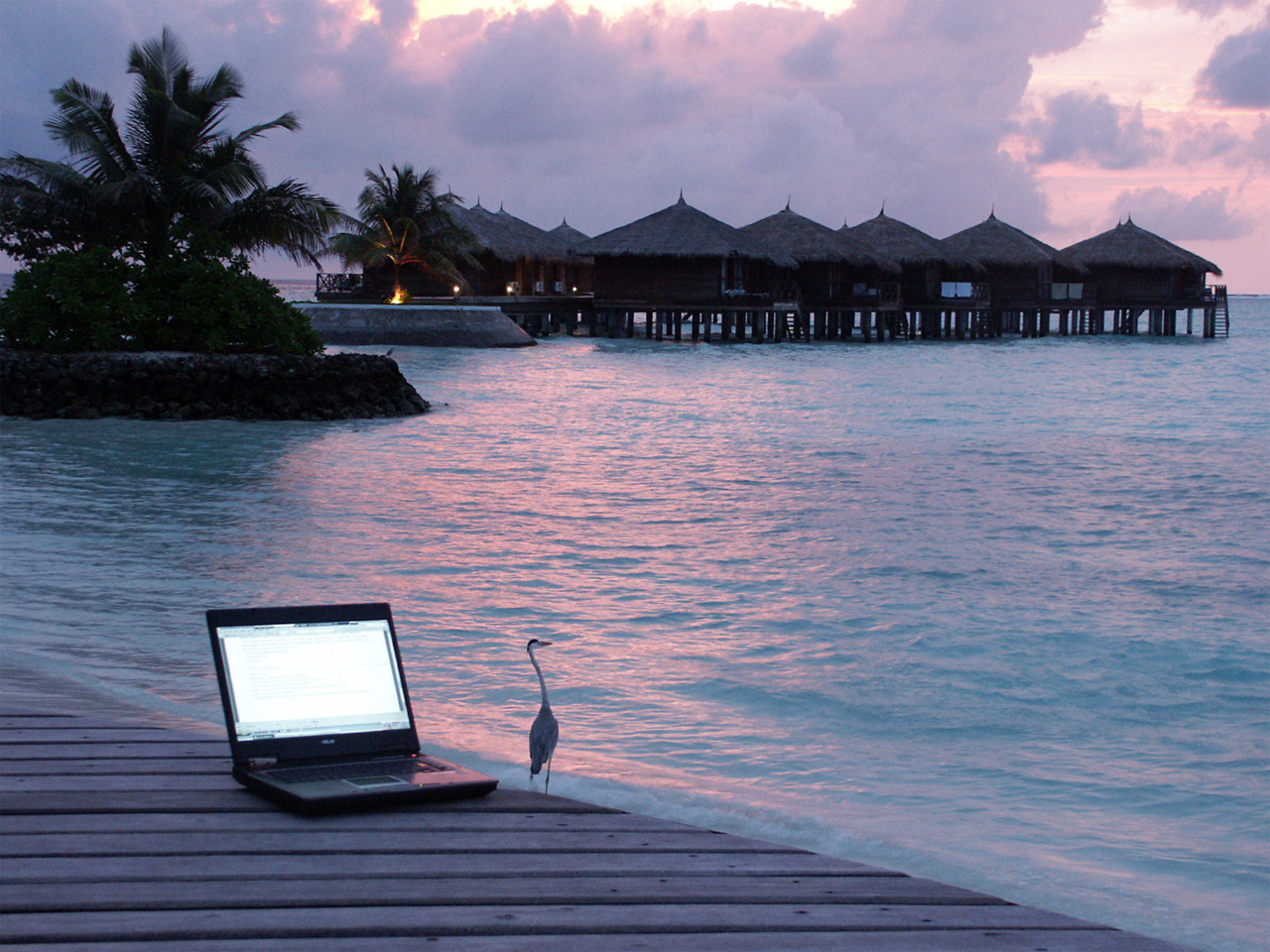
Instead of having to invest the time to set up and maintain a PC, a hosted desktop removes this hassle. By providing you with access to your PC desktop from any location that equips with an Internet connection. This can include your home office, the corner coffee shop, transportation hubs, and any location overseas.
How It Works
Since a hosted desktop is housed remotely in a virtualized environment, this type of business solution can be accessed over the Internet using any computing device. It includes your laptop PC, tablet PC, or mobile phone. The data transmitted over the Internet to your workstation desktop. Which is accessed via any of the previously mentioned devices and by using a secure login and password.
The data is also secured using industry-standard encryption so network intrusions cannot intercept it during the transmission process. In some cases, enterprises will also use a Virtual Private Network (VPN) to ensure secure access.
If you are traveling abroad, the method you use to access a hosted desktop will vary according to your location and the device you are using. If you are accessing a hosted desktop using your mobile phone or tablet PC, it may be necessary to make arrangements in advance with your mobile carrier for obtaining 3G or 4G connectivity. It is especially true if you want to travel with your mobile hotspot. Which ensures Internet access anytime you need it. The other option is to scout out locations. Which offer WiFi access, so you do not have to waste a lot of time finding an access point.
The Process
Once you have made the necessary arrangements for Internet connectivity, you can access your hosted desktop using the interface. Which is provided by the service provider. For example, if your company has a hosted desktop service with Citrix, then you will access your hosted desktop using the Citrix interface and by entering a username and password. The process works similar to this:
- Log onto Your Device: If you are using a company device or even your device, log into it using your username and password.
- Open Your Browser: Open the browser you typically use for browsing the Internet such as Safari, Mozilla Firefox, Google Chrome, or Internet Explorer.
- Go to the Hosted Desktop Website: Access the website URL for the service provider that offers hosted desktop services for your company. This location should be provided for you by your company and involves entering the URL in your browser. You may also have the URL bookmarked on your device for faster access.
- Log In: Your company should provide the URL address where you log in. When you arrive at the appropriate page, log in using the username and password provided to you by the hosted desktop service provider or your company.
- Launch the Hosted Desktop: Click on User Desktop and then enter the name of the server. Which should be provided for you by your company. It will bring you to your hosted desktop where you will be requested to enter your credentials for authentication.
Access to a hosted desktop is 24/7
Once you have entered your credentials, the hosted desktop will appear with all of the functions you typically see on your office PC; only you are accessing them over the Internet and from an overseas location. This process is usually seamless. And your interaction with the hosted desktop should be the same as using a conventional PC desktop.
Access to a hosted desktop is available 24 hours a day seven days a week. The hardware replaces by a thin client which is inexpensive, consumes little power on your device, and requires no maintenance. Since this part left in the hands of the data center. The service provider also takes care of backup and disaster recovery. Which ensures the high availability of desktop services regardless of the circumstances.
When you are finished accessing a hosted desktop, you log out as usual. Until you are ready to locate it again at another location and time. The process is similar to obtaining a site using your web browser. Only you are using the site to access your office desktop without having to be physically present in your office.
ServerPronto offers the best affordable and secure hosting service in all dedicated server packages.
Photo credit Flickr/Giorgio Montersino






Comments are closed.