
Last Updated: November 18, 2026
Quick Summary
Training time for ai model training on a GPU ranges from a few minutes to several months, depending mainly on model size and how much data the model learns from. Efficient methods like LoRA or QLoRA fine-tuning on a single GPU can finish in 8 to 15 hours.
- Larger models have more parameters, and each one must be adjusted every training step.
- Training data is split into tokens, and more tokens mean more training steps.
- Fine-tuning with LoRA or QLoRA can finish in 8 to 15 hours on a single GPU.
- Estimate total FLOPs, divide by realistic throughput, then discount for multi-GPU scaling.
- Add buffer time for data preparation, evaluation, and restarts, since they extend elapsed time.
Table of Contents
- What Determines AI Model Training Time on a GPU
- GPU Training Time Estimation: A Step-by-Step Framework
- How Many GPUs Does It Take to Train a Model?
- Training Time Benchmarks by GPU Tier and Workload
- How to Speed Up GPU Model Training
- How Long It Takes to Train a Machine Learning Model in Practice
- Planning Your Next GPU Training Run on ServerPronto
- Frequently Asked Questions
What Determines AI Model Training Time on a GPU
Training an AI model on a GPU can take a few minutes or several months. The biggest factors are how large the model is and how much data it learns from.
Training duration varies widely. Nodus Blog on how long it takes to train an AI model gives a range of a few minutes to several months, while Civo’s guide to GPU training workloads notes that large-model training can take weeks or months.
Model size and parameter count
Bigger models have more parameters, and each parameter must be adjusted during training. More parameters means more math per step. A small model on one GPU can finish in hours, while a very large model may need many GPUs running for weeks.
Think of parameter count as the size of the job. The more parameters, the more work each training step requires.
Dataset size and number of tokens
The amount of training data matters just as much as model size. Training data is broken into tokens, and the model reads through them over and over. More tokens mean more steps.
Efficient setups can still move quickly. Techniques such as LoRA or QLoRA let teams fine-tune on a single GPU, with some workloads finishing in 8 to 15 hours, according to Qudata’s 2026 guide to AI training costs.
GPU Training Time Estimation: A Step-by-Step Framework
You can estimate a training run before you rent a single GPU-hour. The method below is transparent: every assumption is stated, so you can swap in your own model size, token count, and hardware.
Step 1: Estimate total training compute in FLOPs
A common planning rule is that training compute scales with model parameters times training tokens.
Step 2: Convert FLOPs to GPU-hours using realistic throughput
Divide total FLOPs by the GPU’s effective throughput. Do not use peak spec sheets. Use measured throughput rather than peak spec sheet figures when estimating run time.
Step 3: Divide by GPU count and apply scaling efficiency
Divide GPU-hours by the number of GPUs, then discount for communication overhead. Single-GPU runs use the full number. Multi-GPU scaling efficiency is lower than single-GPU efficiency, and it generally drops as more nodes are added.
Step 4: Add end-to-end overhead
Theoretical GPU time is not wall-clock time. Data preparation, tokenization, evaluation checkpoints, and failed or restarted runs add real hours. Overhead from checkpointing and restarts adds real time on long pretraining jobs, so build a buffer before you commit to a deadline.
Worked examples you can adapt
| Model | Tokens | GPUs | Effective throughput | Estimated elapsed time |
|---|---|---|---|---|
| 1B parameters | 20B | 1 A100 | ~120 teraFLOPS | ~280 hours (~12 days) |
| 7B parameters | 140B | 8 A100s | ~120 teraFLOPS, 85% scaling | ~1,150 hours (~48 days) |
| 7B parameters (LoRA fine-tune) | 1B | 1 RTX 4090 | ~30 teraFLOPS effective | ~55 hours |
| 70B parameters | 1.4T | 512 A100s | ~120 teraFLOPS, 60% scaling | ~9,500 hours (~13 days) |
These are planning ranges, not guarantees. The point is the method: state FLOPs, state effective throughput, divide by GPUs, discount for scaling, then add overhead. Epoch AI’s research on estimating training compute uses similar FLOP-based accounting to compare published runs, and it is a useful cross-check for your own numbers.
How Many GPUs Does It Take to Train a Model?
The honest answer is that GPU count is set by three constraints: how fast you need results, how much memory the model and optimizer state require, and how well the job scales. Adding GPUs shortens the run, but not in a straight line, and past a point it stops helping.
Start with memory, not speed
Before speed, check whether the model fits. Training memory scales with parameters, optimizer state, activations, and batch size. A rough planning rule for mixed-precision Adam training is roughly 16 to 20 bytes per parameter for weights, gradients, and optimizer state, before activations. Model state can exceed a single GPU’s memory, so larger models typically need sharding across several GPUs. Fine-tuning with LoRA or QLoRA reduces optimizer memory.
Then add GPUs for speed, with diminishing returns
Once the job fits, more GPUs cut elapsed time according to scaling efficiency. A common pattern on one node with NVLink-class interconnect is 80 to 90 percent efficiency at 8 GPUs. Across nodes over slower interconnects, efficiency often falls to 50 to 70 percent, and communication-heavy workloads can drop lower. The published benchmark moving from 8 to 128 A100 GPUs and cutting a run from 7.1 hours to 0.5 hours, about 14.4x for 16x the hardware, is a realistic illustration of that curve, per the Google AI Developers Forum.
Practical GPU-count tiers
- Small models and LoRA/QLoRA fine-tuning: one GPU is often enough, and a single 24 GB card can handle many 7B fine-tunes.
- Mid-sized models (roughly 1B to 13B) from scratch: a single 8-GPU node with fast intra-node interconnect is the common starting point.
- Large models (roughly 30B and up): multiple nodes with high-bandwidth networking, plus sharding frameworks, are required to fit and to finish in reasonable time.
How batch size and sequence length change the answer
Larger batch sizes improve GPU utilization up to the point of memory limits, and longer sequence lengths raise activation memory roughly linearly, which can force more GPUs or smaller micro-batches. Plan GPU count against your actual sequence length, not a generic benchmark.
Watch out: scaling to more GPUs without measuring utilization can waste money if the GPUs spend time waiting on data loading or inter-node communication rather than doing math.
Training Time Benchmarks by GPU Tier and Workload
Training time depends on the GPU tier and the job. The table below summarizes the typical planning ranges described in the research. Treat these as starting points, not guarantees.
| Workload | GPU Setup | Typical Elapsed Time |
|---|---|---|
| Fine-tuning with LoRA or QLoRA | 1 RTX 4090 or A100 | 8 to 15 hours |
| Small model from scratch | 1 to 8 GPUs | Hours to days |
| Large model pretraining | Many nodes | Weeks to months |
How to Speed Up GPU Model Training
Speed comes from fixing bottlenecks, not just adding hardware. Start with the cheapest changes.
- Use mixed precision to reduce memory and math cost.
- Keep the data pipeline fed so GPUs never sit idle.
- Use batch sizes that fill GPU memory without running out.
- Save checkpoints regularly so a failed run does not restart from zero.
Watch out: scaling to more GPUs without checking use can waste money if the GPUs spend time waiting on data.
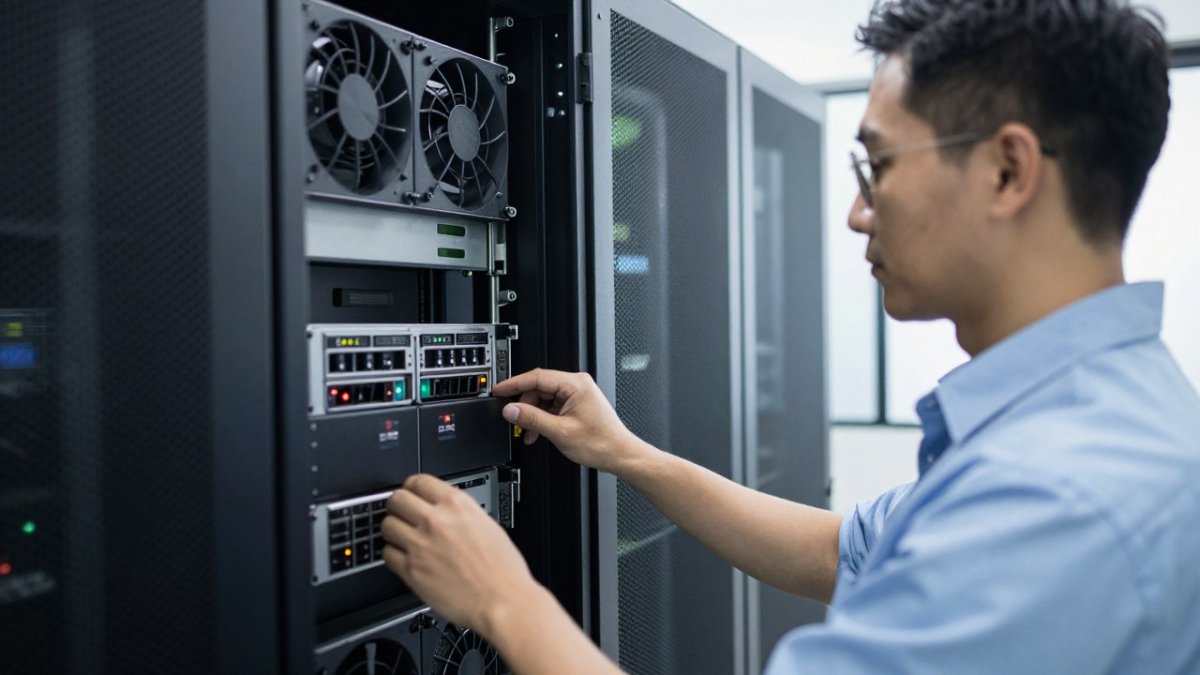
An engineer checking GPU servers in a data center aisle shows how much of training speed depends on hardware health and monitoring.
How Long It Takes to Train a Machine Learning Model in Practice
Deep learning models often move to GPUs because they need far more parallel math.
The practical rule is simple: the more parameters and data you have, the longer the run. Plan with a small test first, measure how long it takes, and extrapolate to the full job.
Planning Your Next GPU Training Run on ServerPronto
A good plan covers compute, timeline, and budget. ServerPronto provides high-performance dedicated server and cloud hosting solutions, including GPU hosting. Pricing depends on hardware, quantity, and term, so check ServerPronto’s website or request a quote for current figures.
Once you have a rough GPU-day estimate, compare hardware options and choose a setup that finishes on schedule. build and price a dedicated GPU server to see what fits your workload, or review cloud server options for launching a run quickly.
ServerPronto’s dedicated servers come with full root access and no sharing of resources. Month-to-month billing is available.
Frequently Asked Questions
How long does AI model training take?
AI model training can take anywhere from a few minutes to several months. Small models on a single GPU may finish in minutes or hours, while large language models trained on trillions of tokens across thousands of GPUs can run for weeks or months. The main variables are model size, the number of tokens processed, the GPU type, and how many GPUs run in parallel. To get a realistic figure for your own project, estimate total GPU compute first and then divide by the throughput your hardware delivers.
Does adding more GPUs always make model training faster?
No. Adding GPUs usually shortens training, but not in direct proportion. In one published example, a 1.3-billion-parameter model’s elapsed time fell from 7.1 hours to 0.5 hours when scaled from one 8-GPU node to 16 nodes with 128 A100 GPUs. That is a 14.4x speedup for 16 times as many GPUs. Communication between GPUs, data loading, and synchronization overhead all reduce scaling efficiency, so budget for diminishing returns when you add hardware.
How many GPUs does it take to train a model?
The honest answer depends on model size, dataset size, and your deadline. A small model can train on one GPU within hours. Large models often require multiple nodes to fit memory and finish in a reasonable time. Start by calculating the total GPU-days your run needs, then choose a GPU count that completes the job within your schedule. Parameter-efficient methods such as LoRA can make a single-GPU setup practical for many teams.
How long does it take to fine-tune an AI model on a GPU?
Fine-tuning is usually much faster than training from scratch because it updates a pretrained model on a smaller dataset. With parameter-efficient techniques such as LoRA or QLoRA, fine-tuning a large model can run on a single RTX 4090 or A100 GPU, with duration depending on dataset size and sequence length. Full fine-tuning of the same model takes longer and needs more memory. Measure throughput on a short test run before committing to a full job.






Comments are closed.