
Table of Contents
- Quick Comparison: Best Bare Metal Servers for SaaS
- How We Evaluated These Bare Metal Providers
- 1. ServerPronto: Best for Transparent Pricing and Fast Setup
- 2. InMotion Hosting: Best for Custom Hardware Builds
- 3. OpenMetal: Best for OpenStack Virtualization and Big Data
- 4. Hetzner: Best Price-to-Performance Ratio
- 5. Vultr: Best for Global SaaS Startups
- 6. IONOS: Best for Security and Compliance
- What Is the Difference Between Bare Metal and Virtualized Cloud for SaaS?
- Dedicated Server Security Best Practices
- How Long Does Bare Metal Server Provisioning Take?
- Frequently Asked Questions
Last Updated: September 25, 2026
Quick Comparison: Best Bare Metal Servers for SaaS
The global bare metal cloud market reached $11.7 billion in 2025 and is projected to hit $13.6 billion in 2026, according to Grand View Research’s bare metal cloud market analysis. That growth tracks with a simple reality: SaaS companies are moving back to physical hardware.
Quick Picks:
- Best Overall: ServerPronto, transparent pricing, 2-hour provisioning, no contracts
- Best for Custom Builds: InMotion Hosting, enterprise hardware, full root access
- Best for Big Data: OpenMetal, OpenStack virtualization on demand
- Best Price-to-Performance: Hetzner, high-core AMD hardware at low cost
How We Evaluated These Bare Metal Providers
We scored each provider on provisioning time, hardware customization, pricing transparency, uptime guarantees, and support responsiveness, the factors that determine how fast you get servers, how much control you keep, and whether the bill matches the quote.
Our weighting:
| Criteria | Weight | What We Checked |
|---|---|---|
| Provisioning speed | 20% | Time from order to root access |
| Pricing transparency | 20% | Hidden fees, overage charges, contract terms |
| Hardware control | 20% | Customization, GPU options, root access |
| Support quality | 20% | Response time, on-site technicians, uptime SLA |
| Scalability | 20% | Hybrid options, API-driven deployment, upgrades |
1. ServerPronto: Best for Transparent Pricing and Fast Setup
ServerPronto is our top pick for SaaS teams that want dedicated hardware without contract lock-in or surprise invoices. It has provisioned 42,712 servers over more than 20 years and serves 10,000+ customers.

Key Features
- 2-hour provisioning with free setup assistance
- Full root access on every server
- No contracts, month-to-month billing
- 24/7 on-site technicians
- 100% uptime guarantee
- 7-day money back guarantee
- SSAE 16, HIPAA, and PCI DSS compliant infrastructure
Pros and Cons
Pros: Exclusive resources with no sharing, transparent pricing with no hidden fees, and GPU and private cloud options for AI workloads. Customer Dan H. reports “practically 100% uptime since we started and an unbelievable support team.”
For SaaS teams burned by cloud overage bills, month-to-month billing with no contracts is the single biggest risk reducer. You can leave if performance disappoints.
2. InMotion Hosting: Best for Custom Hardware Builds
InMotion Hosting targets teams that need to spec their own machines. Its bare metal line runs on enterprise-grade hardware built for high-frequency applications, with full root access standard. The trade-off: these unmanaged servers require in-house expertise for security hardening, patching, and monitoring.
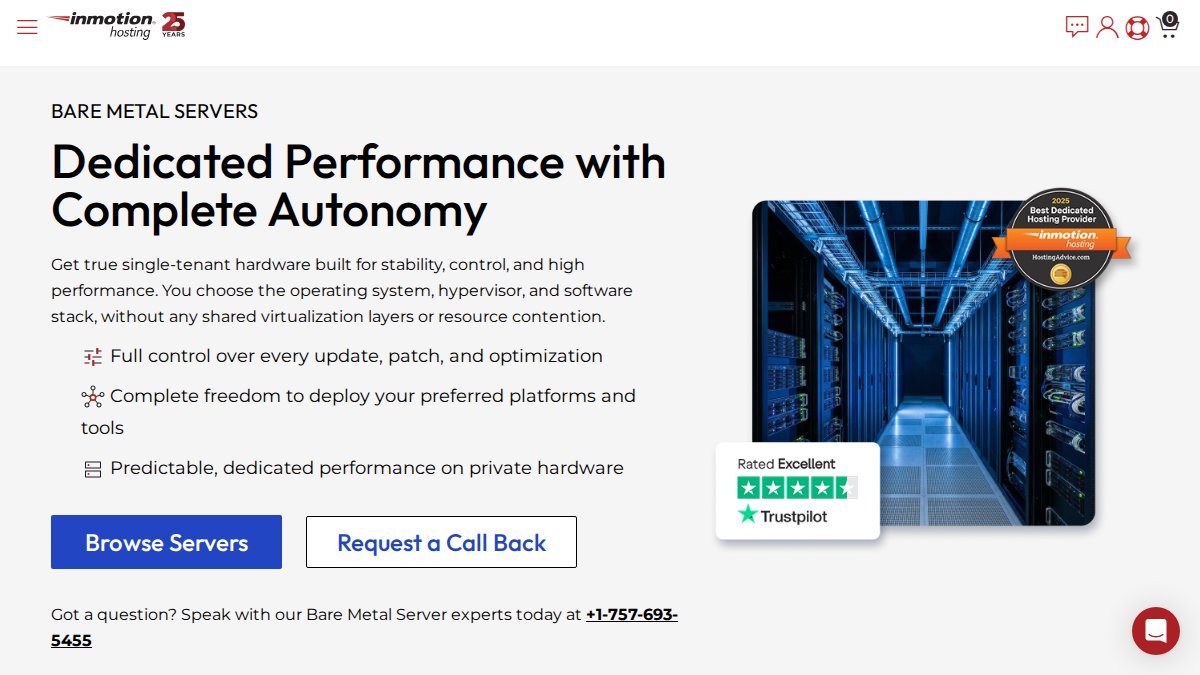
Pros: High-performance hardware, predictable performance for resource-heavy apps.
3. OpenMetal: Best for OpenStack Virtualization and Big Data
OpenMetal builds bare metal cloud servers on OpenStack for enterprises running virtualization and big data workloads, with support for Apache Hadoop, Apache Spark, Apache Cassandra, and MongoDB. Provisioning is on-demand, and the pricing model is transparent by design. Platform9 notes that managed orchestration platforms like this bring cloud-like simplicity to physical hardware in private clouds and at the edge.
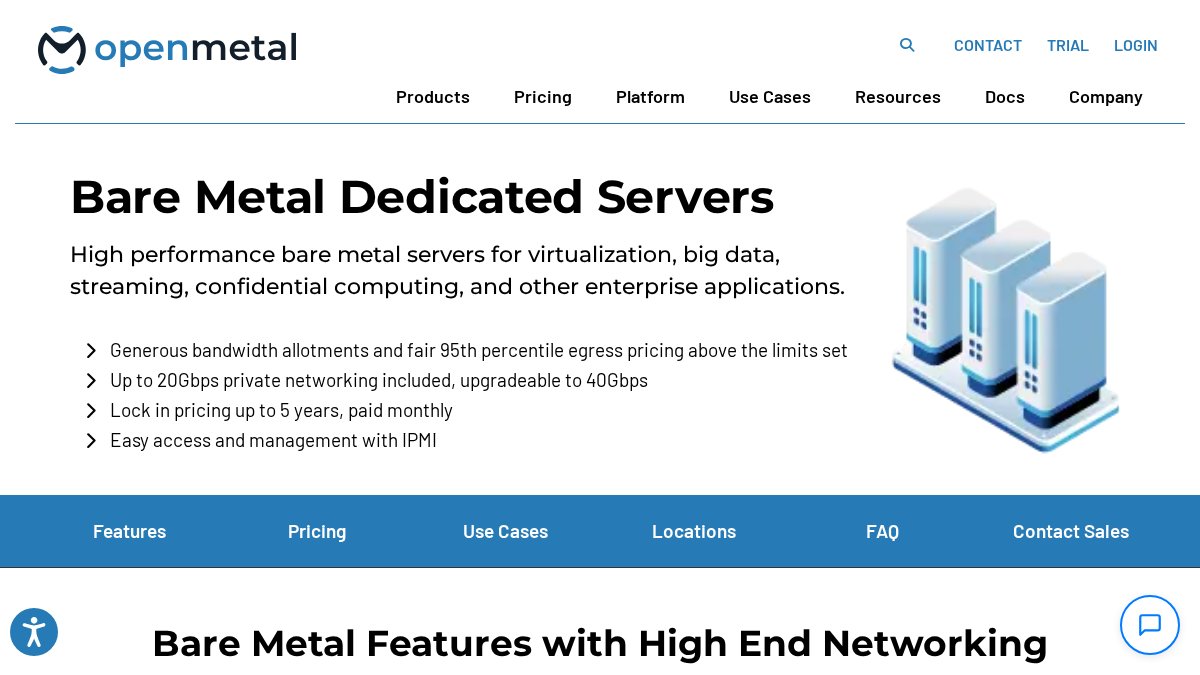
Best for: Enterprises requiring virtualization and big data processing.
Pros: Cloud-like flexibility on physical hardware, transparent cost structure.
4. Hetzner: Best Price-to-Performance Ratio
Hetzner wins on raw value, with 2026 industry analysis highlighting its high-core AMD Ryzen and EPYC processors. What you give up is hand-holding: managed services are limited, so this suits technical teams comfortable running their own infrastructure and security hardening.
Best for: Technical teams comfortable managing their own infrastructure.
5. Vultr: Best for Global SaaS Startups
Vultr combines physical hardware performance with cloud-style deployment. Hourly billing and a clean control panel make it easy to spin up bare metal instances across a global data center footprint. The catch: Vultr offers fewer hardware configuration options than pure dedicated providers, so it works best when standard specs fit your workload.
Pros: Fast provisioning, user-friendly interface, hourly billing flexibility.
Cons: Limited customization compared to pure dedicated providers.
6. IONOS: Best for Security and Compliance
IONOS positions bare metal hosting around security and compliance. Its data centers hold ISO certification, and plans include high-speed NVMe storage and dedicated bandwidth.
Best for: Businesses requiring high security and compliance standards.
Cons: The interface can be complex for beginners.
What Is the Difference Between Bare Metal and Virtualized Cloud for SaaS?
Bare metal gives a SaaS application the entire physical machine, while virtualized cloud splits shared hardware across tenants through a hypervisor. That distinction drives latency, cost predictability, and control. For latency-sensitive workloads, the gap is measurable: bare metal removes the virtualization layer entirely, so IOPS and bandwidth throughput stay consistent under load, while virtualized instances can suffer resource contention when a noisy neighbor spikes.
SaaS Architecture Patterns on Bare Metal
The more useful question is how you lay out tenants on physical hardware. Two patterns dominate.
The TCO Math Competitors Skip
Monthly server price is the least interesting number in a bare metal decision. The real comparison is total cost of ownership across a 24- to 36-month horizon:
- Compute and storage. The sticker price on the server, plus any RAID, NVMe, or GPU upgrades.
- Bandwidth and egress. This is where virtualized cloud punishes SaaS. Hyperscaler egress fees are the single most-cited reason SaaS finance teams explore bare metal. On most dedicated providers, a generous bandwidth allotment is included, and overage rates are published up front.
- Management overhead. Unmanaged bare metal shifts patching, monitoring, and security onto your team. If that work consumes even a fraction of a senior engineer’s time, it belongs in the TCO.
- Opportunity cost of migration. Moving off a hyperscaler is not free. Data transfer out, re-architecting around managed services (queues, managed databases, identity), and retraining the team all carry cost.
Migrating from virtualized cloud to bare metal mid-growth is painful. If your workload is steady-state and performance-intensive, start on bare metal rather than absorbing a migration during a traffic spike.
Dedicated Server Security Best Practices
Security on bare metal is your responsibility, not your provider’s. That’s the trade-off for full root access and complete control.
Start with these steps:
- Disable password authentication and enforce SSH key access only
- Configure a host-based firewall and close every unused port
- Apply OS patches on a fixed weekly schedule
- Enable intrusion detection and log aggregation
- Segment workloads with private networking and load balancing
- Run regular vulnerability scans and document remediation
How Long Does Bare Metal Server Provisioning Take?
Provisioning typically takes 2 to 24 hours, depending on the provider and whether you need custom hardware. ServerPronto provisions in about 2 hours with free setup assistance. Providers with API-driven deployment and pre-staged inventory move faster; custom builds can stretch to several days. Speed matters: if a production database fails on a Friday, a 2-hour provisioning window is the difference between a minor incident and a lost weekend.
What Actually Determines Provisioning Speed
Provisioning time is the sum of several steps, and knowing which step is slow tells you whether a provider can hit its advertised window.
- Inventory availability. Providers that pre-stage common configurations (single-socket AMD EPYC, dual-socket Intel Xeon, standard NVMe RAID) can hand a server over in hours; build-to-order providers start the clock only after parts arrive.
- Hardware customization. Custom RAID layouts, GPU installs, and specific NIC configurations add time. A GPU node can take days because of supply and burn-in testing.
- OS and image deployment. Automated PXE boot and image libraries cut this to minutes. Manual installs add hours.
- Network and IP allocation. Allocating a /29 or /28 block, configuring BGP, and setting reverse DNS is fast when automated and slow when it requires a human ticket.
- Verification and handoff. Memory tests, disk burn-in, and firmware checks protect the provider from DOA hardware but add time.
The Migration Angle: Provisioning Speed During a Cloud Exit
For SaaS teams leaving a hyperscaler, provisioning is a migration throughput problem: you are provisioning a fleet, and the bottleneck is rarely the hardware, it is the data transfer.
A practical playbook that experienced teams follow:
- Provision a staging bare metal environment first. Do not cut over production on day one. Stand up the target hardware, install your stack, and run a shadow copy of production traffic against it.
- Replicate data continuously, not in one dump. Use database replication or log shipping so the cutover window is minutes, not hours. A one-shot
mysqldumporpg_dumpof a multi-terabyte database will not fit in a maintenance window. - Cut over by service, not by monolith. Move the read-heavy services first, then the write path, then the background jobs. Each service gets its own provisioning and validation cycle.
- Keep a cloud escape hatch for burst. Most teams that exit the cloud keep a small cloud footprint for autoscaling and disaster recovery, the hybrid pattern that works.
Ask your provider whether they support API-driven provisioning and whether they can pre-stage a fleet for a migration. A provider that can only provision one server at a time through a sales ticket will turn a two-week migration into a two-month project.
Provisioning Speed as an Incident-Response Metric
For SaaS operators, provisioning speed is a recovery-time objective (RTO) input. If your disaster recovery plan says “restore in 4 hours” and your provider takes 24 hours to hand over hardware, the plan is fiction. Treat bare metal provisioning like cloud instance launch: as a number you have measured, not one a sales page promised. Run a drill.
Frequently Asked Questions
What are the primary benefits of bare metal servers for SaaS applications?
Bare metal servers give SaaS applications exclusive access to dedicated hardware, eliminating resource contention from noisy neighbors. This means consistent performance for latency-sensitive workloads like databases and APIs. Bare metal also supports full root access for custom configurations, stronger workload isolation for security, and predictable monthly pricing that helps with budgeting. For SaaS companies running steady-state workloads, bare metal often delivers better performance per dollar than virtualized cloud instances.
Is bare metal hosting more cost-effective than public cloud for SaaS?
For steady-state workloads, bare metal is often more cost-effective because you pay a fixed monthly rate instead of variable compute and egress fees. Public cloud excels at spiky, unpredictable demand, but SaaS applications with consistent traffic patterns can see significant savings on bare metal. The key is matching your workload profile to the right infrastructure. If your usage is predictable, bare metal typically wins on total cost of ownership.
Why do bare metal servers take longer to provision than virtual servers?
Bare metal server provisioning time is longer because the provider must physically allocate hardware, install the operating system, configure networking, and run diagnostics before handoff. Virtual machines spin up in minutes from a shared pool, but bare metal requires dedicated setup. Many providers now offer provisioning in under 24 hours, and some, like ServerPronto, complete it in about 2 hours. The tradeoff is worth it for teams that need exclusive resources and consistent performance.
How does bare metal hosting improve performance for multi-tenant SaaS?
Multi-tenant SaaS platforms need consistent IOPS, bandwidth throughput, and CPU cycles to serve every customer reliably. On shared or virtualized infrastructure, resource contention can cause latency spikes during traffic surges. Bare metal eliminates that by giving your application exclusive use of NVMe storage, dedicated bandwidth, and full CPU cores. This translates to faster query times, smoother API responses, and better uptime during peak usage periods.
What factors should SaaS companies consider when choosing a bare metal provider?
Focus on provisioning time, uptime SLA, root access, security certifications, and pricing transparency. Check whether the provider offers hybrid infrastructure options, private networking, and managed services if you lack in-house ops staff. Compliance certifications like HIPAA and PCI DSS matter if you handle sensitive data. Also evaluate migration support, since moving from public cloud can be complex. Finally, confirm there are no long-term contracts so you can scale up or down as your SaaS grows.





Comments are closed.